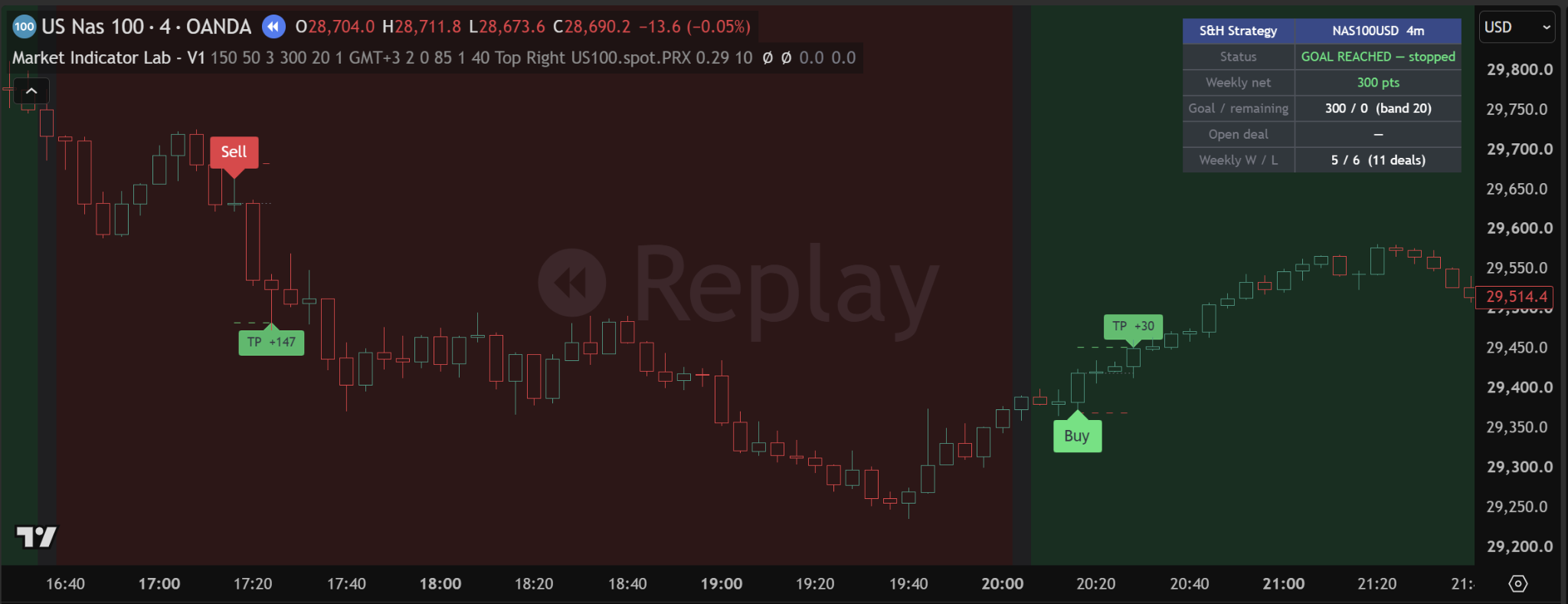
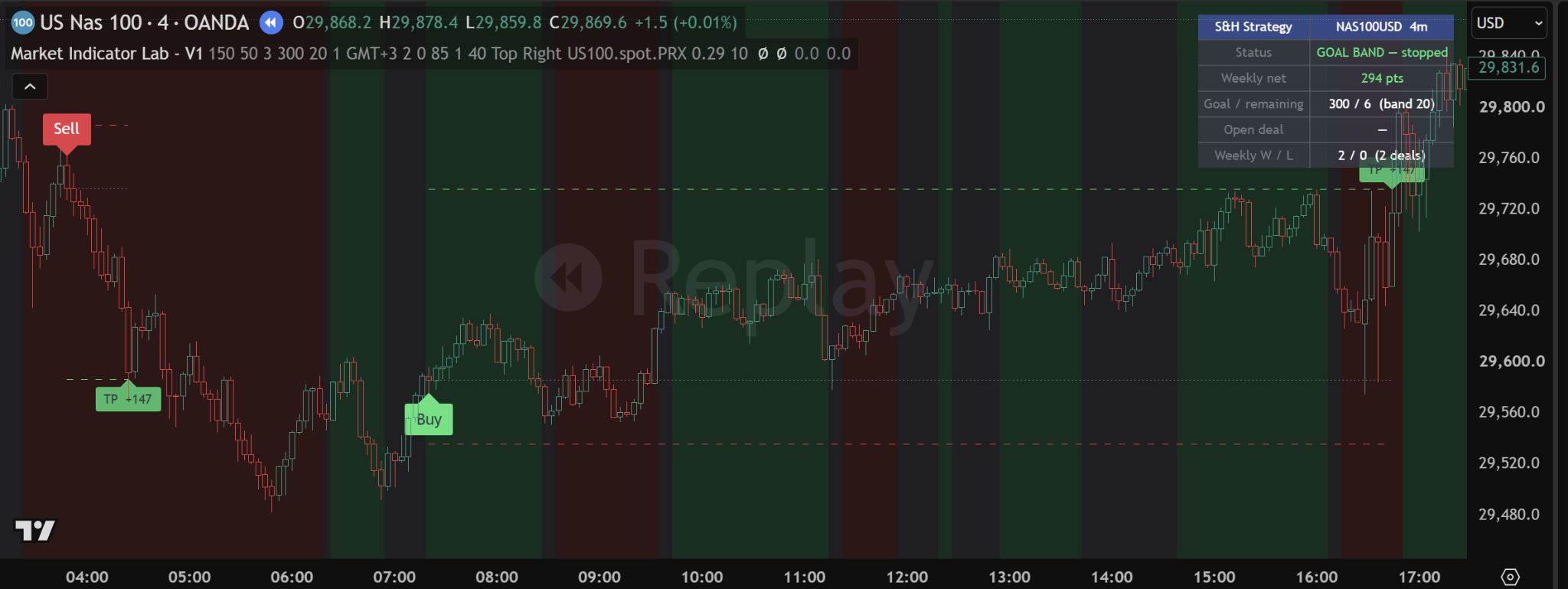
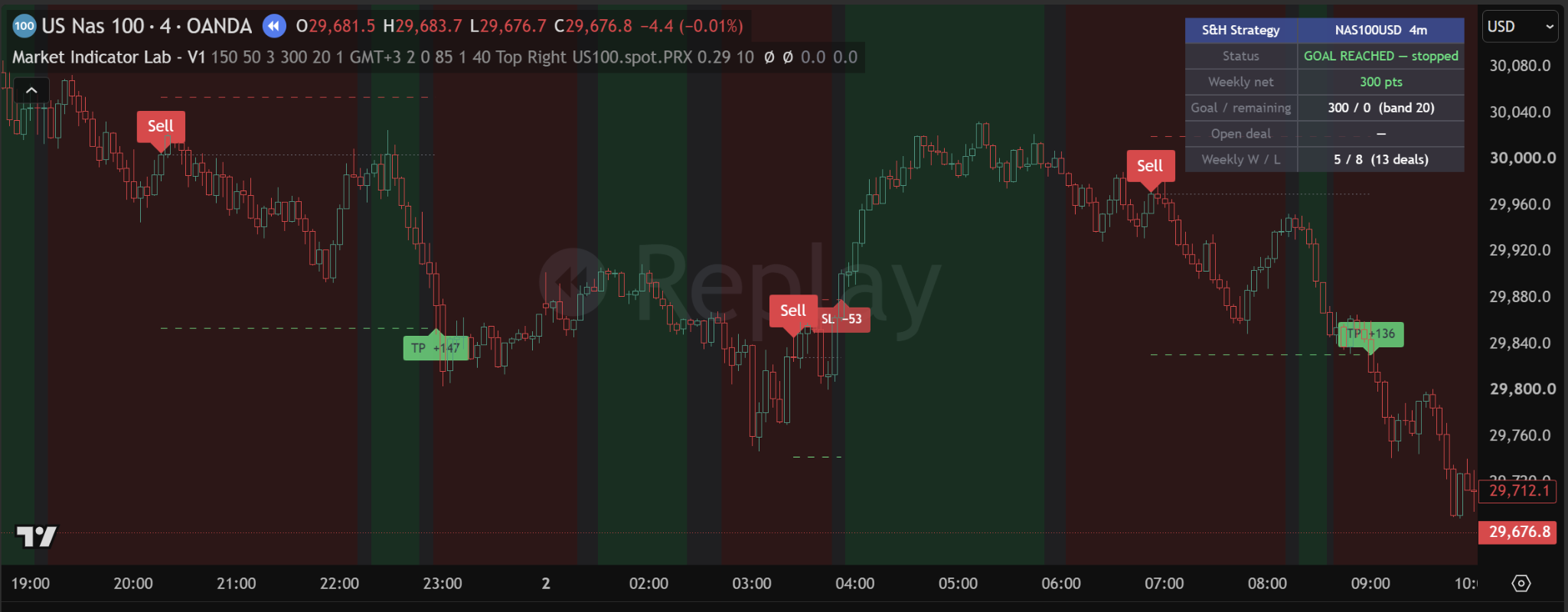
Optional PineConnector Auto-Trading
Manual when you want it. Automated when you configure it.
Market Indicator Lab - V1 does not force one execution workflow. Signals can be followed manually, delivered as TradingView alerts, or routed through PineConnector to a separately configured MetaTrader environment.
VERIFIED PRODUCT CAPABILITYOptional Auto-Trading
Use the indicator manually, receive TradingView alerts, or connect PineConnector-compatible commands to a configured MetaTrader environment for optional automated execution.
Confirmed signal→TradingView webhook→PineConnector→MetaTrader→Broker
PineConnector and MetaTrader are third-party services and platforms. Separate accounts, installation, configuration, and any applicable third-party fees are the user’s responsibility. Market Indicator Lab does not own, operate, endorse, or control PineConnector.
01 / CONTROLEnable or disable commands
The production script includes a dedicated PineConnector on/off setting. Manual use and normal TradingView alerts remain available.
02 / PRIVATE IDPineConnector license ID
The user enters their own license ID privately in TradingView. It is never requested by or stored on this website.
03 / SYMBOLExact broker symbol
The symbol must match the name in the user’s MetaTrader Market Watch, including capitalization and broker-specific suffixes.
04 / VOLUMELot-size value
The user selects the value and must configure the PineConnector Expert Advisor’s volume interpretation consistently.
Product FAQ
Clear answers before access.
Does the indicator guarantee profits?+
No. No indicator can guarantee profits. Trading involves risk, and losses are possible.
Does it repaint?+
Confirmed Buy and Sell signals are evaluated at bar close. Forming signal and trend-color previews are provisional, can change before the candle closes, and are clearly separated from confirmed signals.
How does the seven-day trial work?+
Submit the access form with the correct TradingView username. After manual approval, access is added for seven days and setup instructions are sent to you.
When does the paid subscription begin?+
Continued access is $100 per month after the seven-day trial. Subscription details are confirmed directly; the website does not start an automated charge.
How much does it cost?+
The price is $100 per month after the free trial. Cancel anytime.
How does the promotional code work?+
A valid social-media code gives 25% off the first paid month only. Enter the code in the access form; eligibility is confirmed manually.
How do I cancel?+
Contact Market Indicator Lab by email or Telegram before the next monthly confirmation. Access is then removed manually.
How is TradingView access activated?+
We add the approved TradingView username to the invite-only script access list and send setup instructions.
Which TradingView plan do I need?+
A TradingView account is required. Confirm plan compatibility with us before continuing because chart and alert limits vary by TradingView plan.
Which markets and timeframes are supported?+
Supported markets and timeframes are confirmed directly before access. They are not published here until the product specification is finalized.
Can Market Indicator Lab - V1 trade automatically?+
The indicator can generate PineConnector-compatible TradingView webhook commands for optional automated execution through a separately configured MetaTrader environment. The indicator itself does not directly access or control your brokerage account.
Is PineConnector included with my indicator access?+
No. PineConnector is an independent third-party service. Any PineConnector account, subscription, installation, MetaTrader setup, or related costs are separate from Market Indicator Lab - V1 access.
Do I have to use automation?+
No. You can use the indicator manually, receive informational TradingView alerts, or configure optional PineConnector automation.
Which platforms can receive automated trades?+
The current integration is designed for PineConnector-compatible MetaTrader setups. Exact compatibility depends on the user’s PineConnector version, MetaTrader environment, broker, symbol names, and account configuration.
Does automation guarantee that every signal is executed?+
No. Alert delivery and order execution may be affected by internet connectivity, TradingView alerts, PineConnector availability, MetaTrader status, broker rules, market conditions, symbol mapping, spread, slippage, liquidity, rejected orders, and other technical factors.
Who controls the lot size and risk?+
The user is responsible for selecting and verifying all execution, lot-size, account, broker, and risk settings before enabling automated trading.
Should I test it before using a live account?+
Yes. The integration should be thoroughly tested using a demo or paper-trading environment before live use.
Can I use it on several charts?+
Invite-only access follows the approved TradingView account. Practical chart limits can depend on your TradingView plan and the supported product configuration.